Party Mixer - DJ player app
Publisher Description
Simple DJ app for home parties
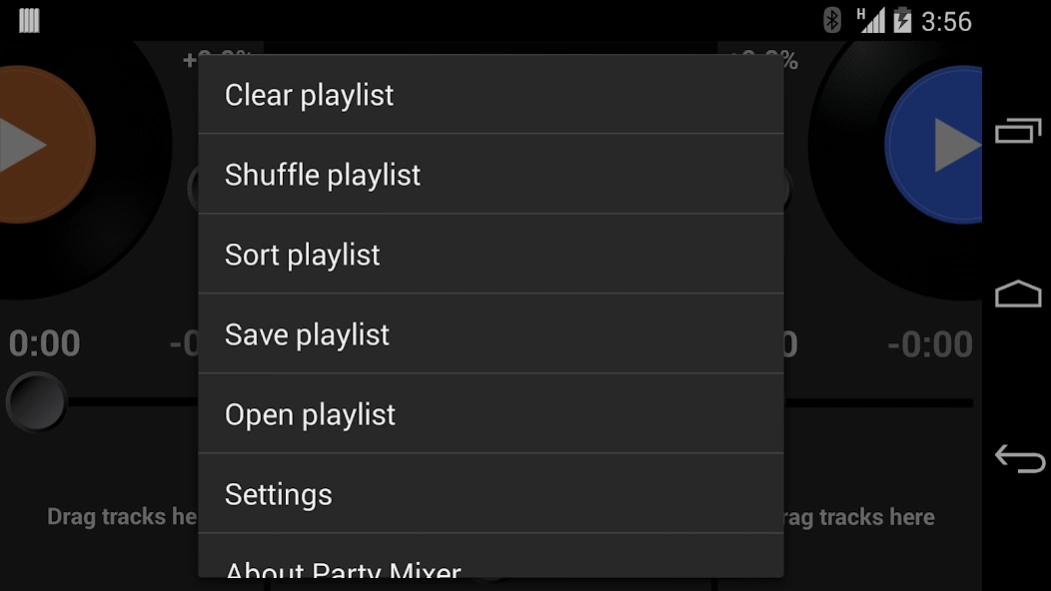
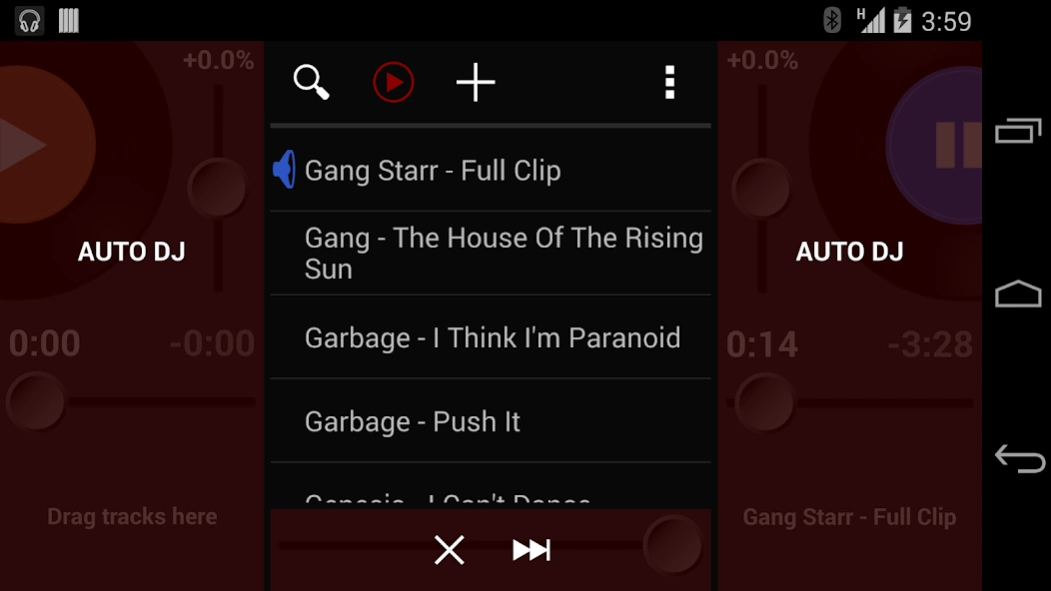
Party Mixer lets you to play two tracks at the same time and cross-fade between them like a DJ, including change their pitch & tempo to mix them seamlessly. You can also create, save, and load playlists, and use an “Auto DJ” mode that mixes songs automatically for you.
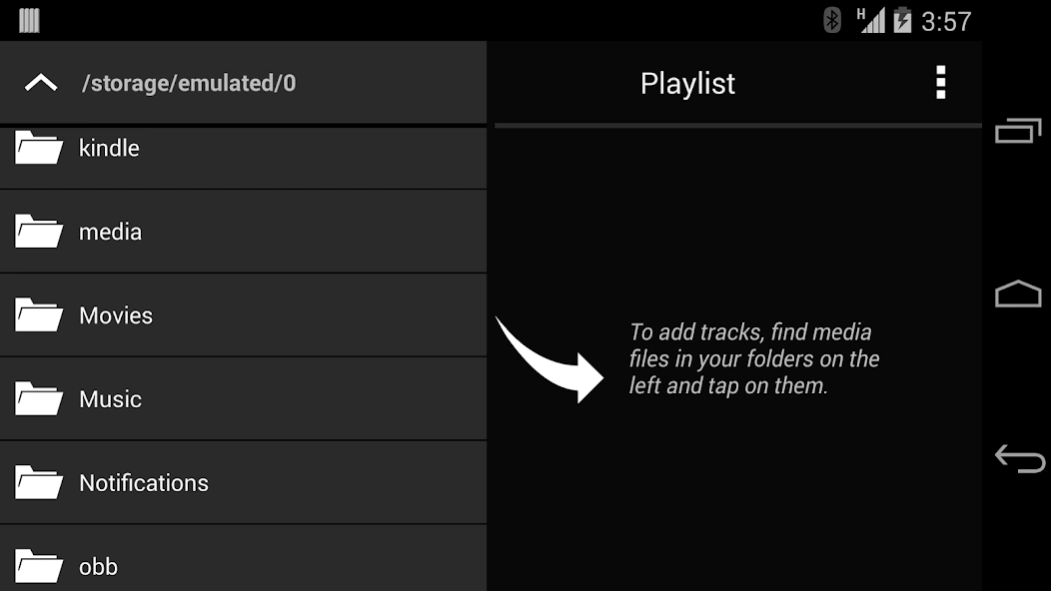
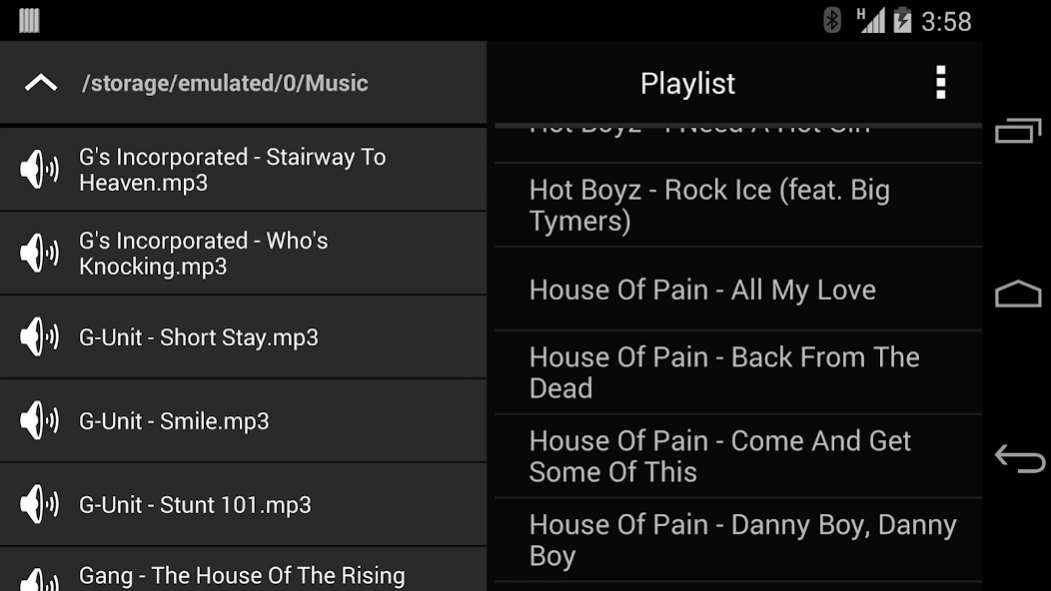
No DJ-ing experience necessary. Party Mixer has been designed to be an easy-to-use app that anyone can pick up and play with. It features a very simple interface: just create a playlist, then drag-and-drop tracks onto the player decks. You can crossfade between the two tracks using the horizontal slider at the bottom. Change the tempo and pitch using the vertical sliders. That's it!
Features:
- Play 2 tracks simultaneously and cross-fade between them
- Change tempo/pitch/BPM (free on left deck, paid on right deck)
- Create/open/edit playlists
- Seek within track, show elapsed and remaining time
- Search in playlist
- Access all music stored on your device
Device compatibility:
- Compatible with all phones and tablets running Android 2.3 or newer
- Tempo/pitch control is not supported by some devices
- Compatible file formats are: mp3, mp4, m4a, 3gp, ogg, mid, wav, and since Android 3.1, also flac and aac
NOTE: If you run into problems with Auto DJ turning itself off automatically, please go to menu -> Settings and check "Use old playback implementation". Then stop all playback and back out of the app completely and relaunch it. Note that this will disable pitch control. We're working on a fix, but in the mean time, you can use this solution if you have problems with Auto DJ.
About Party Mixer - DJ player app
The company that develops Party Mixer - DJ player app is Pun Software, LLC. The latest version released by its developer is 1.0 . This app was rated by 11 users of our site and has an average rating of 2.9.
To install Party Mixer - DJ player app on your Android device, just click the green Continue To App button above to start the installation process. The app is listed on our website since 2014-01-12 and was downloaded 518 times. We have already checked if the download link is safe, however for your own protection we recommend that you scan the downloaded app with your antivirus. Your antivirus may detect the Party Mixer - DJ player app as malware as malware if the download link to com.punsoftware.mixer is broken.
How to install Party Mixer - DJ player app on your Android device:
- Click on the Continue To App button on our website. This will redirect you to Google Play.
- Once the Party Mixer - DJ player app is shown in the Google Play listing of your Android device, you can start its download and installation. Tap on the Install button located below the search bar and to the right of the app icon.
- A pop-up window with the permissions required by Party Mixer - DJ player app will be shown. Click on Accept to continue the process.
- Party Mixer - DJ player app will be downloaded onto your device, displaying a progress. Once the download completes, the installation will start and you'll get a notification after the installation is finished.
Program Details
System requirements
Download information
Pricing
Version History
version
posted on 2014-01-13
v 2.0.2:
- Fixed loading tracks on Android 4.0.3 devices
- Fixed bugs/crashes with playlists, in-app billing, etc.
- Translated to Spanish, German, Bulgarian
v 2.0:
- Pitch/tempo control (still experimental; paid feature)
- Search in playlist
- Shuffle/sort/clear/delete playlists
- Manually reorder songs in playlist
- Huge improvements in the interface, new graphics
- Tracks don’t get removed from playlist when played; they just get marked as played
- Compatible with KitKat (Android 4.4)
version
posted on 2014-01-12
v 2.0.2:,- Fixed loading tracks on Android 4.0.3 devices,- Fixed bugs/crashes with playlists, in-app billing, etc.,- Translated to Spanish, German, Bulgarian,v 2.0:,- Pitch/tempo control (still paid feature),- Search in playlist,- Shuffle/sort/clear/delete playlists,- Manually reorder songs in playlist,- Huge improvements in the interface, new graphics,- Tracks don’t get removed from playlist when they just get marked as played,- Compatible with KitKat (Android 4.4)
version 1.0
posted on 2010-12-07
Several fixes and updates
